this post was submitted on 12 Dec 2025
167 points (91.1% liked)
Linux
60197 readers
934 users here now
From Wikipedia, the free encyclopedia
Linux is a family of open source Unix-like operating systems based on the Linux kernel, an operating system kernel first released on September 17, 1991 by Linus Torvalds. Linux is typically packaged in a Linux distribution (or distro for short).
Distributions include the Linux kernel and supporting system software and libraries, many of which are provided by the GNU Project. Many Linux distributions use the word "Linux" in their name, but the Free Software Foundation uses the name GNU/Linux to emphasize the importance of GNU software, causing some controversy.
Rules
- Posts must be relevant to operating systems running the Linux kernel. GNU/Linux or otherwise.
- No misinformation
- No NSFW content
- No hate speech, bigotry, etc
Related Communities
Community icon by Alpár-Etele Méder, licensed under CC BY 3.0
founded 6 years ago
MODERATORS
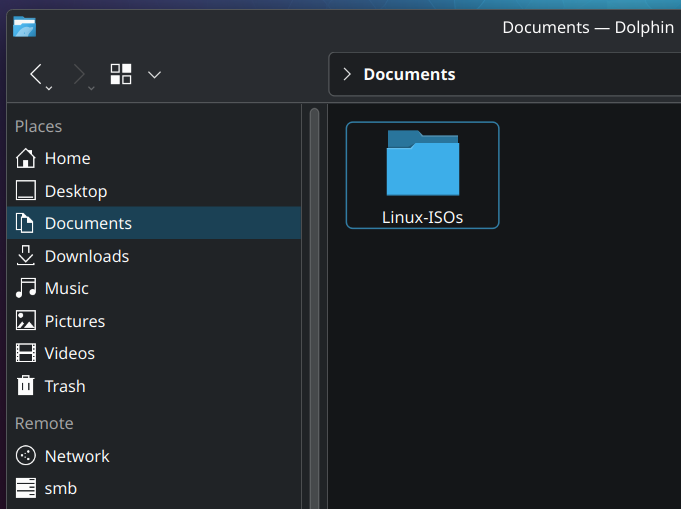
Another important point 4. Always check checksums (sha256 etc)
Is there a simple guide to checking checksums? It doesn't seem like it should be complex but half the time the distro's instructions don't work for me!
First you need to download the provided file from the distro page. Something with Checksum in the name most of the time. The website should provide instructions. Please note that does not validate the gpg key.
Quick Method Terminal: Open the terminal at the location of the ISO file or go there with
cd. Typesha256sum NameOfIsoFile.iso- it takes a moment depending on your system. Copy the output (some long numbers/letters). Compare it with the downloaded checksum-file - open the file, press ctrl-f or whatever you have for find and paste it. If it's found, it's the same.Method KDE: Right click the file, open properties, then go to tab "Checksums". Paste same number/letter combination from above into the provided space "Expected checksums..." - if it's green, it's correct.
While checking checksums is important, it you’re getting them from the same place as the download you might as well ignore the checksum. If someone can replace the download they can very likely also replace the checksum file download.
Thanks, that does sound familiar. Maybe it was the gpg bit that confused me before.
Just use the appropriate command for the hash type, i.e.
sha256sum <filename>(iirc, might be wrong,manis your friend)