I don't fiddle with my KDE much, but with every fresh install I always set the dock to auto-hide and fit-content.
this post was submitted on 31 Aug 2026
90 points (97.9% liked)
Linux
67412 readers
377 users here now
From Wikipedia, the free encyclopedia
Linux is a family of open source Unix-like operating systems based on the Linux kernel, an operating system kernel first released on September 17, 1991 by Linus Torvalds. Linux is typically packaged in a Linux distribution (or distro for short).
Distributions include the Linux kernel and supporting system software and libraries, many of which are provided by the GNU Project. Many Linux distributions use the word "Linux" in their name, but the Free Software Foundation uses the name GNU/Linux to emphasize the importance of GNU software, causing some controversy.
Rules
- Posts must be relevant to operating systems running the Linux kernel. GNU/Linux or otherwise.
- No misinformation
- No NSFW content
- No hate speech, bigotry, etc
Related Communities
Community icon by Alpár-Etele Méder, licensed under CC BY 3.0
founded 7 years ago
MODERATORS
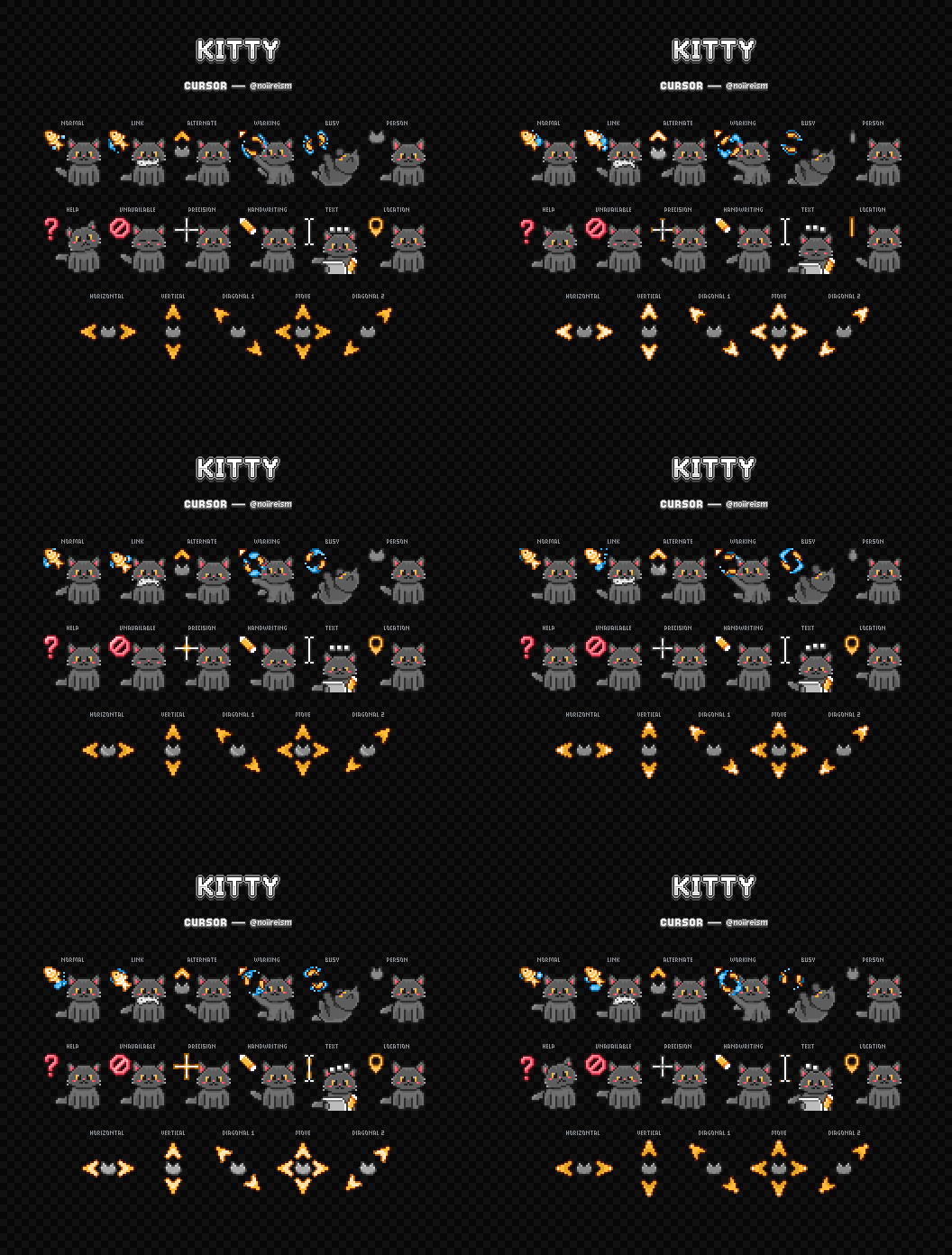
Wobbly windows!
I'm going to install wobbly windows as soon as I get home. So many people to keep suggesting it and it looks amazing lol
With KDE, you don't even need to install anything. Just tick the box in settings.
Found the capslock user !
"Indulge in nostalgia with useless 3D effects." Is all I needed to read on that page ❤️
Kind of a small thing, but I use an Ultrawide monitor with Sway, so I wrote a oneliner to swap to a higher or lower display scale depending on the workspace I'm on. I like to game in full rez while I'd write code or read with a HiDPI resolution that's easier to squint at. Also adding hotkeys to change scaling on demand is nice
Great example of something I'd never think of. Thanks!
I’m super boring and really like vanilla gnome but without fail I always install Blur My Shell. It’s so pretty and it doesn’t mess with the paradigm at all. On my laptop I also have found Bluetooth Battery Meter to be super helpful since I use more wireless devices with it.
I have a bunch in my KDE:
-
Karousel for arranging windows
-
Klassy for window decorations/general theming
-
Panel Colorizer for customizing the panel/dock
-
Kvantum for general theming
-
And then a few general things like Wobbly Windows etc.
Panel Colorizer
🤔A KDE application with a name that uses C instead of K?
I know, it really stands out on that list lol
load more comments
(3 replies)
Kde made double click default, it used to be single click.
Put it back to single click. So much better.
Adjust focus stealing to your liking.
Adjust the color and width of the shadow to make active windows obvious in a dark theme.
Wobbly windows: but set higher than default.
I miss window shade. Hopefully it gets worked out and returns.
I always install Guake. It's a drop-down terminal emulator and it can be heavily configured with hotkeys. I have it pop open/close with one key and I can split the terminal horizontally or vertically as many times as I want with a couple other hotkeys.
It's so ridiculously efficient (as a developer) that I can't stand to not have it installed at this point.
What's better with a drop down terminal vs a normal terminal invoked with global short key?
It's a genuine question, never heard about drop down terminal and looked it up. As I understand they are just normal terminal with a visual effect when they open. Am I missing something?
I've used a drop down terminal before and I find the position convenient. I can never lose it among other windows and it's always on top. If I want to see below, I just slide it back.
Your point is correct, it is functionally nearly identical. Since the terminal is arguably the most important or most central piece of software, I do find it convenient to always have it in the same place and to give it priority over other windows.
This is definitely a matter of opinion, I do admit
load more comments
(1 replies)
Papirus icons, Phinger cursors, $HOME/.config/xfce4 copied from previous install.
load more comments
(1 replies)
Taskbar on the left edge of the screen
E: also trackball instead of mouse.
For ages I've had my task bar on the side of my secondary monitor. When I first had to start using win 11 at work and I found out they had disabled the ability to move it I got so irrationally angry lol. It was the straw that broke the camels back and I went home and started down the linux rabbit hole fueled by sheer spite.
load more comments
(1 replies)
So, one thing that Windows 11 did that I think was half good was moving the taskbar stuff to the middle.
I hated it at first (have to use it at work, and still some at home for specific things), but then I used Start11 for a little bit to try to get rid of the shitty start menu changes and noticed an option to keep the icons in the middle but move the start button itself back to the left. And honestly... I think that's perfect. Puts the programs that are open front and center while keeping the start button in a fixed location next to a corner border so it's easy to move the mouse to it without hardly even looking.
Anyway, while I didn't keep Start11 (I never do... Like the program but it's always been buggy as hell going back at least as far as Start), I did make my Cinnamon, and later my KDE Plasma, taskbar look like that.
Also moved the sys tray next to the start button instead of next to the clock, and with a couple other monitors on the clock side (CPU and memory usage), the taskbar on my system is pretty balanced.
Maybe not as flashy or interesting as what you're looking for, but it's a layout I've really come to like
(ETA: the centralizing of the taskbar in Windows I think was bad only because it made the one part that should be in a fixed and easy to hit location, the start button, move around based on how many programs are open... I think if they'd gone with centralized programs and left side start button, it would have been much better received overall... But, this is just my opinion so do with that what you will)
On top of @psilotop@lemmy.world's bit about monitors today being bigger, multi-monitor setups are also more common. I haven't used a single monitor system as one of my main PCs (work or personal) in at least a decade. Being able to "slam" down and left to hit Start is a big part of why the corner was originally chosen, but if that's just gonna get you to some random position on the bottom of an adjacent monitor, you're back to requiring mouse precision, and the button may as well be moved more toward the center to get average travel distance down.
load more comments
(1 replies)
Capslock as control is life changing
Capslock as a layer key to turn hjkl into arrow keys. Easy to setup using Kanata!
I do that with left alt. Then I can use caps as control to move around 1 word
Capslock as control when held, esc when tapped. Best change I've ever made on a laptop for using vim keybinds
I use right alt for escape
Capslock as control and emacs keybindings in gnome
load more comments
(2 replies)
In KDE my favorite is an extension to the window manager, for auto tiling: https://codeberg.org/anametologin/Krohnkite or install it from Settings > Window Management > KWin Scripts, then click "Get New" and search for "Krohnkite" by anametologin. Development is a bit slow at the moment, but it does the job well.
I like that there are different layouts available, meaning different logic how a window should be placed and sized. I can switch between layouts on the fly. Every virtual desktop can have their own layout by standard, in example my fourth desktop is always untiled like a normal desktop. Exceptions to specific windows or applications to not tile them can be added too. So the usual stuff. It comes with some features not seen in other tiling window managers. In example I can convert any window into a "Dock". A dock would then be always at the edge or screen, similar to the KDE bar; basically making the screen area to tile windows smaller. Super cool.
Edit: Rephrased a bit to make it more clear and added some more info.
I always used this but sometime in the past few months, it started ha ing a bug where I can no longer click on 90% of the title bar (vertical direction) and I have to until and retile all windows open to be able to close anything. Very annoying and I am about at the point to stop using it lol.
load more comments
(1 replies)
KDE here.
Icons: Candy; Plasma Style Sweet; Window decs : sweet-dark; Autohide Icons-only task manager at the bottom (RIP Latte :( ), always on top panel for my secondary monitor, autohide top panel on the primary.
I actually use and like Activities, I have General, Game, Code, System, Work all with their own workflows and pinned apps etc.
I lean pretty heavily on mouse gestures using logid with a MxMaster 3. Switch activities, control music, switch apps etc.
I have the gesture button pop up Kando which can do ALL sorts of things, basically I can do 90+% of things super fast without touching the keyboard. Not that I dislike the keyboard, using it now, but sometimes I don't want to bother.
Top centre of panel has a command output widget with cat CurrentShort.txt which pulls local temp/humidity from a couple of sensors via HomeAssistant. Hover has weather scraped from Aus BoM and a bunch of other informative stuff and if I click it it runs a script with
kdialog --geometry 1024x1024 --textbox /dev/stdin <<< $(cat CurrentInfo.txt)
which pops up a dialog with a weeks forecast among other things. I also use the command output widget for cpu/gpu temps and fan speeds to the left of the status bar, which is on the right.
The Wunderground widget is pretty cool too, find local weather stations and pop them in a panel.
Haven't had a vanilla install since KDE 5 came out, but the biggest thing I use far from the default install is Karousel
load more comments
(1 replies)
Window Rules and Custom Shortcuts from KDE Plasma, just earlier today I binded Meta+Ctrl+k to start Konsole in the directory of my latest modified prototype, open a per directory script which e.g. opens a browser tab, opens Vim in the file to edit, positions those windows properly, here browser on left half, console on top right corner.
Window Rules with its window picker is very convenient to get conditions and properties to apply. Custom Shortcuts is just a list of shortcuts you can add to start anything from anywhere.
Also I added my own wiki as a KRunner Web search, so if I type Alt+Space then PIM keyword it searches directly to my PIM from the center of my screen, also from anywhere.
view more: next ›